The iOS 27 upgrade prompt is getting the top spot in Software Update for people still running iOS 26. MacRumors reported the reordered screen on October 8. The older branch’s iOS 26.7.1 patch remains available lower down, so users have a choice to read before they start a download.
The date did not change with the layout
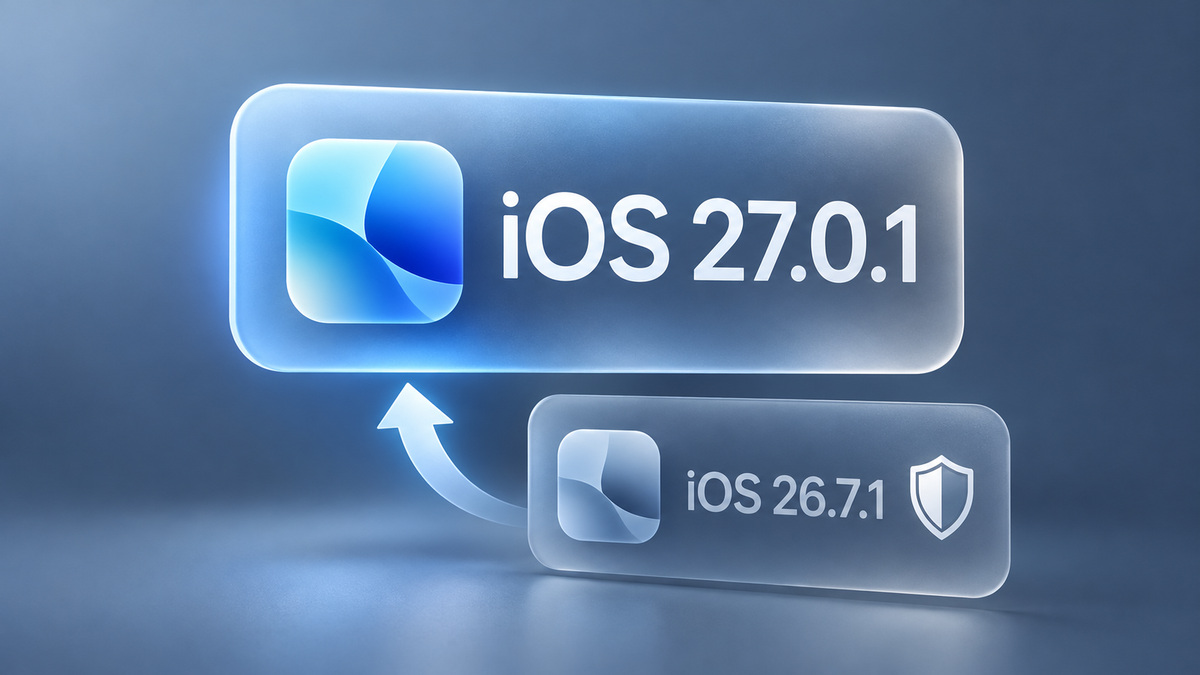
The report describes a swap: iOS 27.0.1 is now the prominent offer, while iOS 26.7.1 sits under Also Available. Previously, the maintenance update appeared first and the major upgrade had the smaller position. MacRumors does not describe Apple removing the older download.
Both versions carry a September 28 release date in Apple’s security list. That is worth keeping in mind if the rearranged screen makes iOS 27.0.1 look newly released. The October 8 development is the presentation of an existing update.
For a quick comparison, read the first number. Choosing 26.7.1 keeps a phone in the iOS 26 family; choosing 27.0.1 moves it to iOS 27. Neither the tile size nor the word update tells you that distinction by itself.
Waiting for iOS 27 need not mean skipping a patch
There is a documented reason to check the smaller offer. Apple’s iOS 26.7.1 advisory covers a CoreGraphics flaw involving a maliciously crafted file. Apple says it could lead to code execution and cites possible exploitation in a sophisticated attack against specific people.
We explained that fix in our iOS 26.7.1 CoreGraphics patch report. Apple lists iPhone 11 and later in the advisory. People staying on the older branch should check whether their device offers that maintenance release rather than dismissing the whole update screen.
A useful check for the undecided owner
Imagine that you are waiting for an essential work app to support the major release. That is an example of a compatibility decision, not a finding from our own device testing. The reordered offer does not answer it. Check the app developer’s support information and your backup before choosing the major upgrade.
- Read the version currently installed at the top of Software Update.
- Read the full version number of the download you intend to select.
- If you are keeping iOS 26, look for its maintenance option under Also Available.
Prepare before installing
Apple’s update guide calls for a backup, a power connection and Wi-Fi. Open Settings, General, Software Update, then follow Download and Install for the version you chose. Apple warns that you cannot downgrade an installed iOS update to the previous version.
If the update cannot reach Apple’s servers, check whether a VPN or proxy is interfering. The same guide gives a computer-based update route. We have not checked the reported screen order on every model or region; use the version numbers on your own device as the final check.