Apple released Final Cut Camera 2.4 on September 29, giving iPhone 18 Pro filmmakers direct control over the phone’s variable aperture. The free update also changes the viewfinder and adds several tools for people who need to monitor a shot closely. It is a more practical announcement than another camera specification: owners can now use the new hardware inside Apple’s own filming app.
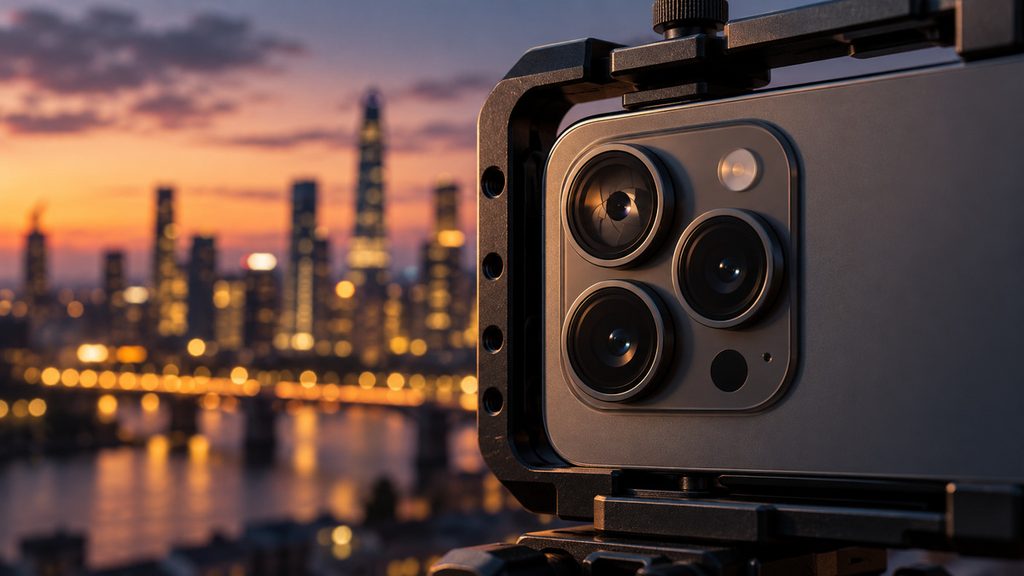
Variable aperture moves into the filming workflow
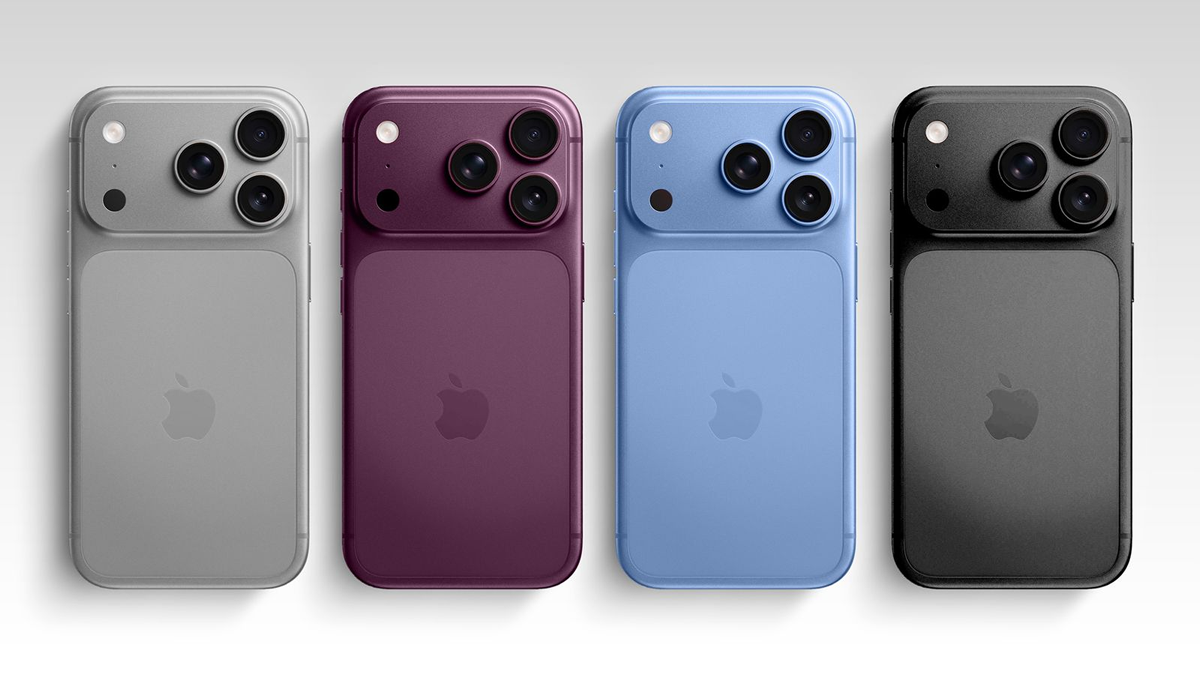
On iPhone 18 Pro and iPhone 18 Pro Max, the Fusion Main camera has a variable aperture. Final Cut Camera 2.4 lets creators choose an aperture directly or work in aperture-priority and shutter-priority modes. That gives videographers another way to balance light and depth of field before recording, especially when a scene changes from bright to dim.
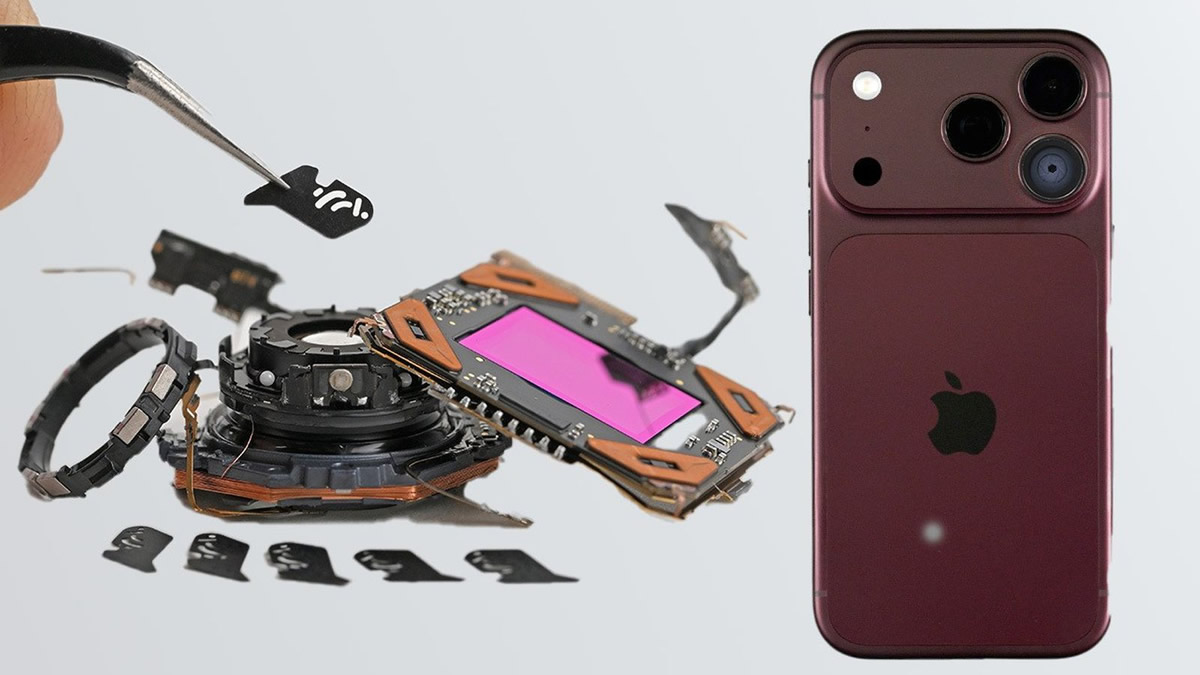
Our earlier look inside the iPhone 18 Pro camera explains why the physical aperture drew attention at launch. This update makes that part of the camera easier to use while filming.
A cleaner viewfinder and exposure tools
Apple also redesigned the app’s controls. Shutter angle, ISO and white balance are easier to reach. New overlays include false color and clipping indicators, which help reveal exposure trouble before a take. Focus peaking gains a sensitivity control, while a tally light shows when recording is active. A two-finger tap clears the viewfinder when the extra controls get in the way.
What editors gain after capture
The update brings Cinematic-style adjustments to regular video, including ProRes and Apple Log footage. Apple says creators can change focus points and depth of field later in Final Cut Pro. That matters for a shot that needs a different emphasis in the edit, although the available options still depend on the footage and the editing workflow.
Video scopes, SDI output and genlock
With iOS 27, Final Cut Camera adds an RGB Parade and histogram for monitoring color and exposure. It also supports clean SDI output through an HDMI-to-SDI converter. Genlock offset helps crews account for timing differences between an iPhone and other synchronized cameras, or artifacts when recording a display.
Most casual clips will never need SDI or genlock. Still, these additions show where Apple wants the iPhone 18 Pro to fit: not just as a phone that records excellent video, but as a camera in a larger production setup. Apple’s September 29 announcement lists the full set of changes. The free Final Cut Camera 2.4 update is available now.