
iPhone Duo Buyers: Check Which Apple Setup Help Comes With Your Purchase
Where you bought your iPhone Duo matters when arranging setup help. Apple’s online Personal Setup sessions come with devices bought directly from Apple. If you are counting on a Specialist to help move your data, establish that eligibility before planning the handover from your old phone.
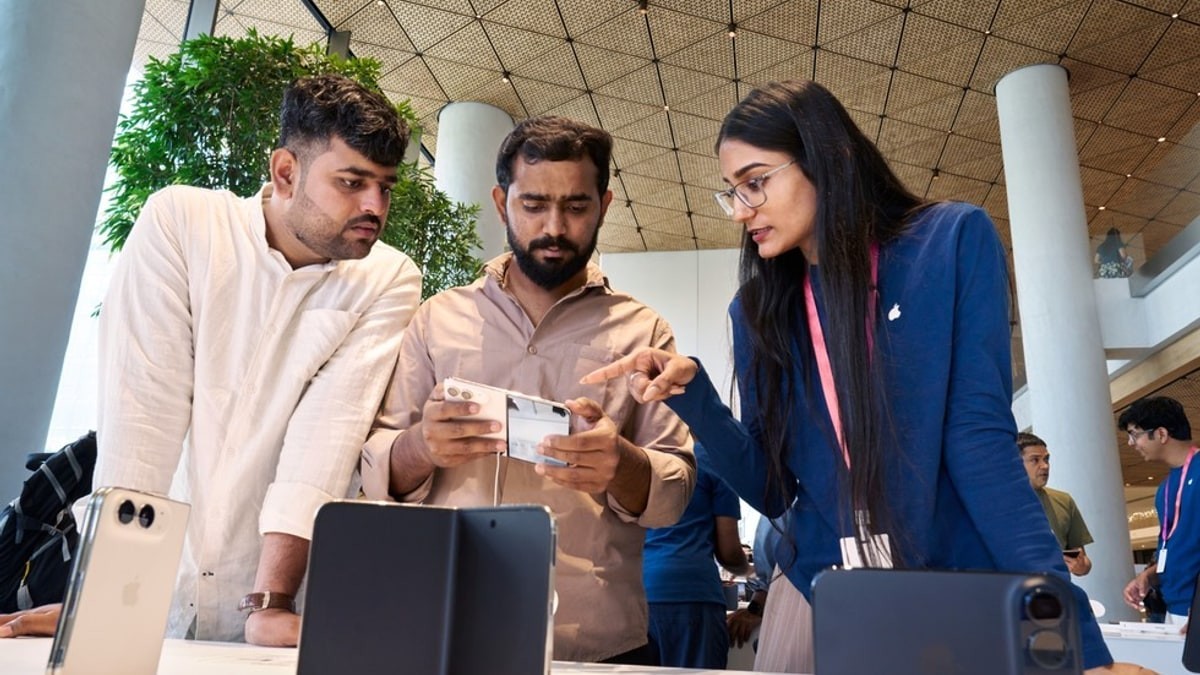
Apple highlighted Personal Setup in its October 23 retail-launch report, alongside new Today at Apple sessions about Duo and iOS 27. The phone has reached stores, and the practical question for a new owner is which kind of help to arrange first.
The invitation follows the delivered order
On its U.S. Personal Setup page, Apple describes online, one-to-one sessions with a Specialist. It says an email invitation is sent when the order is delivered. Buyers can also start arranging a session through their Orders page.
Someone who purchased in a store has another route: Apple asks them to contact it for an email invitation. That is useful information if the phone is already in your hand but you have not received an invitation in the same way as an online customer.
Check the instructions for the country where you purchased. The cited U.S. page states the direct-purchase condition, but does not establish that a phone bought from a carrier or another retailer includes access. Confirm the available help through the seller rather than assuming every Duo sale carries the same arrangement.
Use the session for the part of the move you need
Apple’s Setup Focus topics include transferring photos, messages and files, switching from Android, unboxing and pairing devices. The page describes a Specialist walking a customer through setup and starting a data transfer.
Make the question specific when you arrange the session. An Android switch, a transfer from an earlier iPhone and connecting another device involve different starting points. Have the current device and the intended outcome clear before deciding what help to request.
There is also a separate Apple Support route for hardware, software and account problems. The Personal Setup page links to it directly. If a fault or account-access problem is preventing progress, describe that issue when choosing support rather than treating every obstacle as a new-device lesson.
Learning Duo can come after the data move
The launch announcement names Say Hello to iPhone Duo and an iOS 27 tips session among the new Today at Apple offerings. Those topics concern getting comfortable with the phone and its software. Check the local session listing before building a visit around one.
Some questions will be about software that has yet to arrive. Our Duo app rollout report separates launch collections from later updates. Identify the app and current version when asking about a missing layout. That helps distinguish a setup task you can work through now from a feature still on a developer’s release schedule.